

 +1-786-272-2672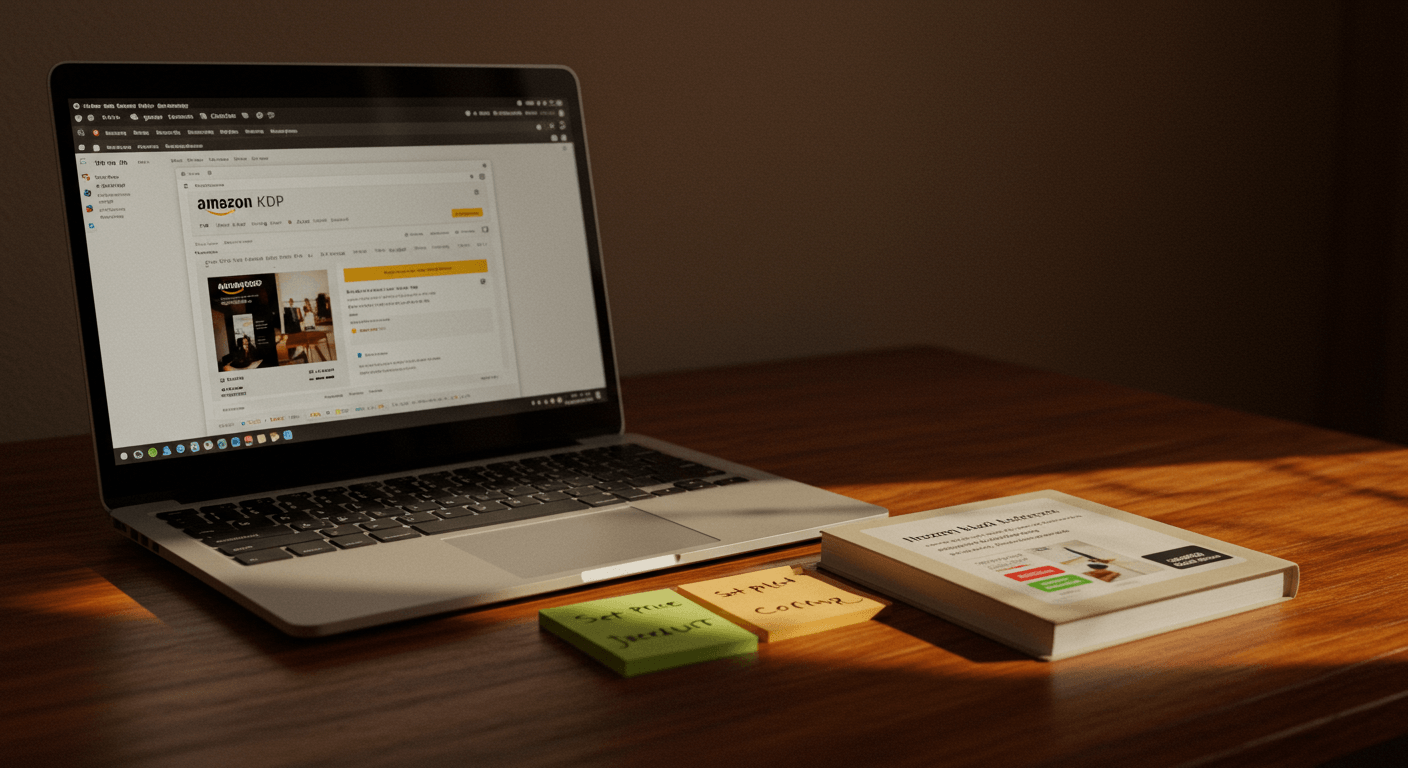
Imagine holding a journal you designed in your hands—and then realizing it’s also available for millions of people to buy on Amazon. Pretty exciting, right? Whether you’re a creative soul, an aspiring entrepreneur, or just someone who loves beautiful journals, publishing your own on Amazon is completely within reach.
Thanks to Amazon’s Kindle Direct Publishing (KDP) platform, you don’t need to worry about printing huge quantities or managing stock. You create your journal, upload it, and Amazon takes care of the rest—printing, shipping, and even customer service.
So, how do you go from an idea in your head to a journal live on Amazon? Let’s take it step by step.
Start With Your Idea: What’s Your Journal About?
Every great journal starts with an idea. Before you jump into the technical steps, spend a little time thinking about what kind of journal you want to create and who it’s for.
Ask yourself:
- Is this a simple lined notebook?
- A guided journal with prompts and exercises?
- Or a planner to help people stay organized?
The clearer you are about your journal’s purpose, the easier the design and publishing process will be. For example, “A Fitness Journal for Beginners” speaks to a specific group of people more effectively than just “Notebook.”
Think of your journal as a product solving a problem or fulfilling a need. The more targeted it is, the more likely it is to connect with buyers.
Designing The Interior: Where Creativity Meets Function
Once your idea is locked in, it’s time to design the interior pages. Don’t worry—you don’t have to be a professional designer to create something beautiful.
For simple journals like lined or dotted notebooks, you can use tools like:
- Canva (free and user-friendly)
- Microsoft Word (export as PDF)
- Or even downloadable KDP templates to get started.
If your journal is more complex—like a planner or gratitude journal—you might want to hire an editor from a well-known platform to help design the layout.
Make sure your interior:
- Matches Amazon’s required dimensions (common sizes include 6”x9” and 8.5”x11”).
- Has enough margin space for printing.
- It is saved as a high-resolution PDF for upload.
The Cover: First Impressions Matter
Your cover is arguably the most important part of your journal. On Amazon, it’s the first thing potential buyers see, and it can make or break their decision to click.
Here’s the key: keep it professional and relevant to your audience. If your journal is about mindfulness, for example, consider calming colors and minimalist designs. For a kid’s doodle notebook, you’ll want something vibrant and fun.
You can design your cover with:
- Canva’s KDP cover templates (easy for beginners).
- Adobe Photoshop or Illustrator (for advanced users).
- Or by hiring a designer for a polished, custom look.
Amazon requires a single PDF file that includes the front, back, and spine (if your journal is thick enough for one).
Setting Up Your KDP Account: The Gateway To Publishing
Head over to kdp.amazon.com and sign up for a free account if you don’t already have one. Once inside your dashboard, click “Create” and select Paperback (since journals are physical books).
You’ll be asked for:
- Title & Subtitle: Make these catchy and descriptive. For example, “The Daily Gratitude Journal: A 90-Day Guide to Cultivating Joy and Mindfulness.”
- Author Name: Use your real name or a brand name if you’re planning to publish multiple journals.
- Description: Write an engaging summary that highlights the journal’s benefits. Instead of listing features, focus on how it can improve the user’s life.
Amazon also lets you add keywords and categories here to help your journal show up in search results.
Uploading Your Files: Bringing It All Together
Next, upload your interior PDF and cover PDF to KDP. Once uploaded, use Amazon’s Print Previewer Tool to review your journal as it will appear in print.
Take your time here—flip through every page and check for formatting issues, alignment problems, or typos. Fixing mistakes now will save you from headaches later.
Pricing And Royalties: Finding The Sweet Spot
KDP allows you to set your own price and calculates your royalties after deducting printing costs and Amazon’s share.
For example, if your journal costs $2.50 to print and you price it at $9.99, your royalty will be around $2-$3 per sale.
Research similar journals in your niche to price competitively. Don’t undervalue your work, but also avoid overpricing in a crowded market.
Hit Publish: Your Journal Goes Live
Once everything is ready, click Publish and let KDP review your journal. This process typically takes 24-72 hours. After approval, your journal will be live on Amazon for the world to see.
At this point, take a moment to celebrate—you’ve officially published your first journal!
Next Steps: How To Get Your Journal Noticed
Publishing your journal is exciting, but to make sales, you need people to actually find it. Here are a few tips to help your journal stand out:
· Use Keywords Strategically
Think about what your audience would type into Amazon’s search bar. For example, “gratitude journal for women” or “planner for students.”
· Create Variations
Consider making multiple versions of your journal, like different colors, styles, or themes.
· Promote Your Journal
Share the link on social media, in Facebook groups, or even start a small ad campaign to drive traffic.
· Encourage Reviews
Ask friends, family, and early buyers to leave honest reviews. Social proof goes a long way.
Avoid These Common Mistakes
Many first-time publishers make mistakes that slow their progress or hurt sales. Here’s what to watch out for:
· Ignoring KDP’s Guidelines
Amazon is strict about file sizes, margins, and bleed areas. Double-check everything before uploading.
· Low-Quality Design
Even if the content is great, an amateurish cover or poorly formatted interior can turn buyers away.
· Unrealistic Expectations
It takes time for journals to gain traction. Be patient and keep improving your designs.
Why Publishing Your Journal Is Worth It
Seeing your own journal for sale on Amazon is an incredible feeling. Beyond the creative satisfaction, it’s a chance to build a passive income stream, grow your brand, or even start a full-fledged journal business.
And remember, this doesn’t have to be a one-time thing. Many successful creators start with one journal and expand into entire collections, each tailored to a specific audience.
Ready To Publish? Start Today
The best part about Amazon KDP is that it makes publishing accessible to everyone. You don’t need fancy equipment, a warehouse, or a huge budget. All you need is an idea, a little creativity, and the willingness to start.
So, why not take that first step today? Sketch out your journal idea, explore design tools, and open your KDP account. In just a few days, you could be sharing a link to your very own journal—and watching those first sales roll in.
Your journal might just be the one someone’s been looking for to organize their life, find inspiration, or simply jot down their thoughts. And it all starts with you hitting “Publish.”


